Setting up screen sharing for Promethean Smart Board
LINK:
https://chromewebstore.google.com/detail/promethean®-screen-share/kkepemkdiboiecpjlmdmighjkmfokbpm
Step: 1
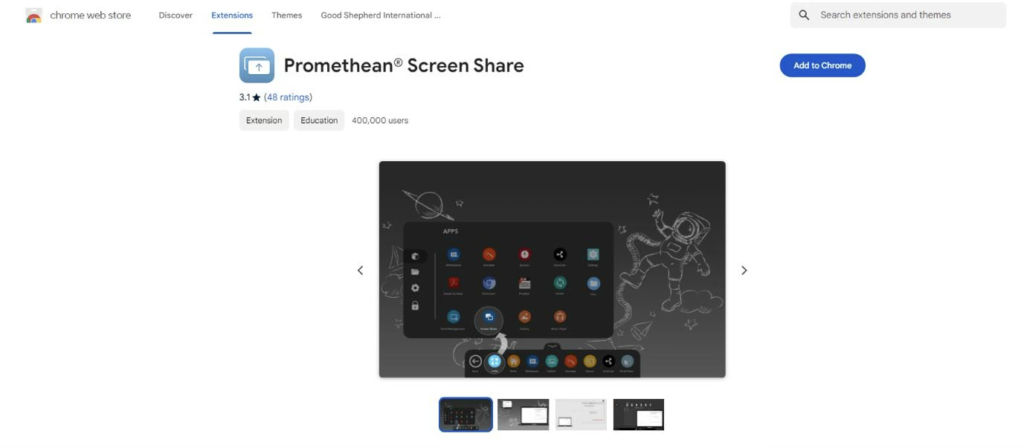
Click on the above link to open the below page and click on add to chrome
Step: 2
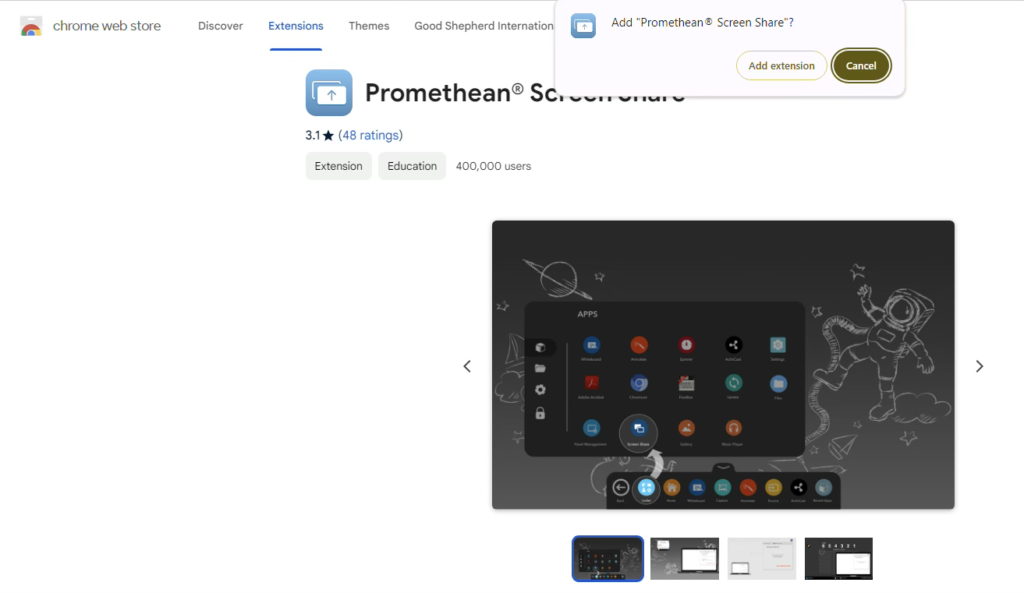
Click on add extension as shown below: –
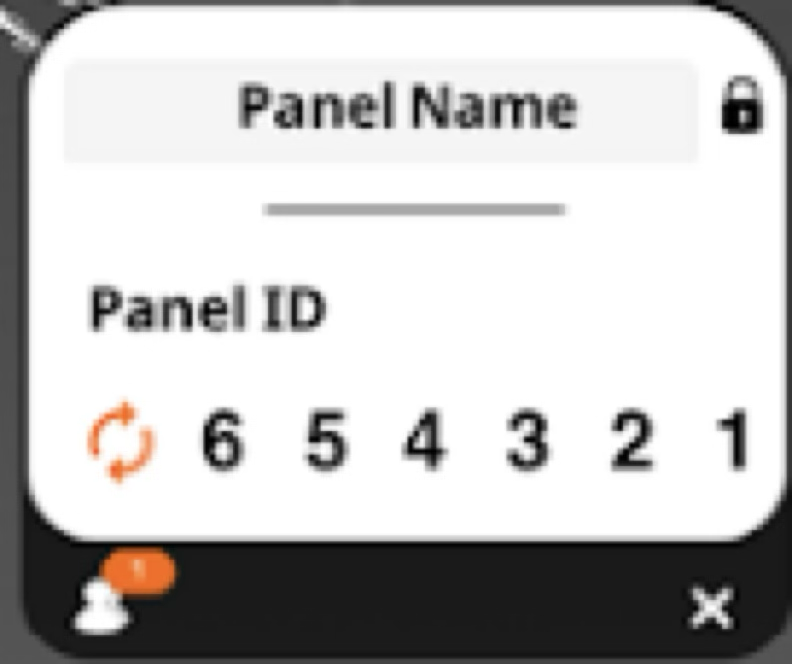
Step: 3 – On clicking the extension you will be seeing the below screen. Entre the code displayed
on the promethean screen share
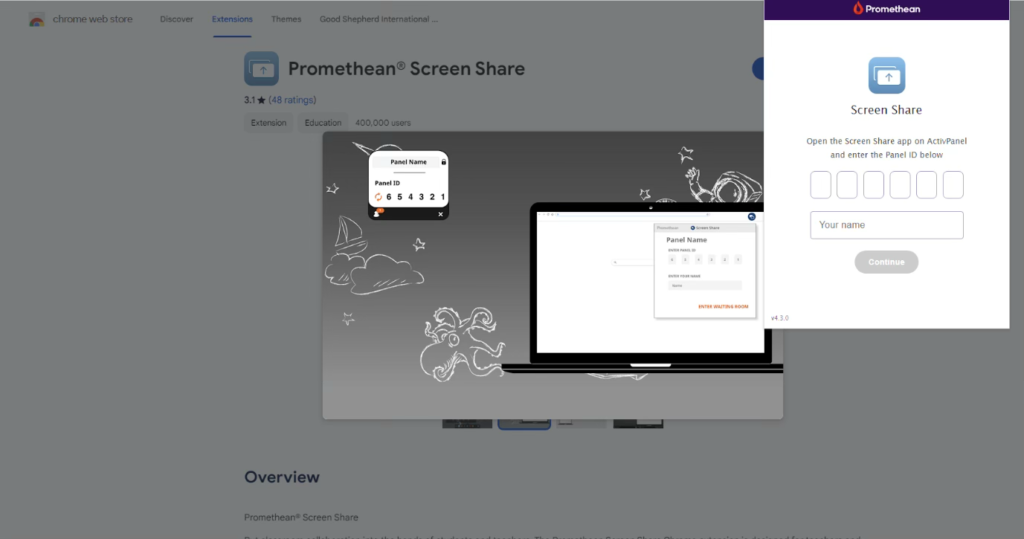
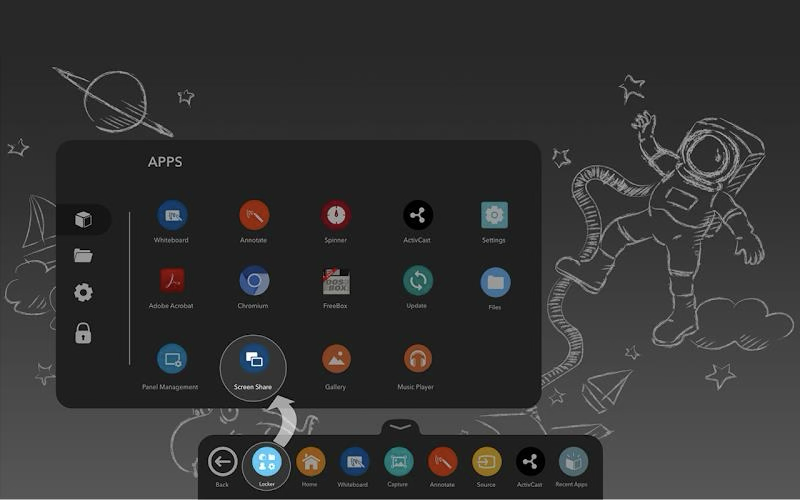
Note: To get the promethean screen share code please follow the steps below: (below image for
reference.
a.Click on Apps and click on screen share to get the promethean screen share code
Promethean screen share code:
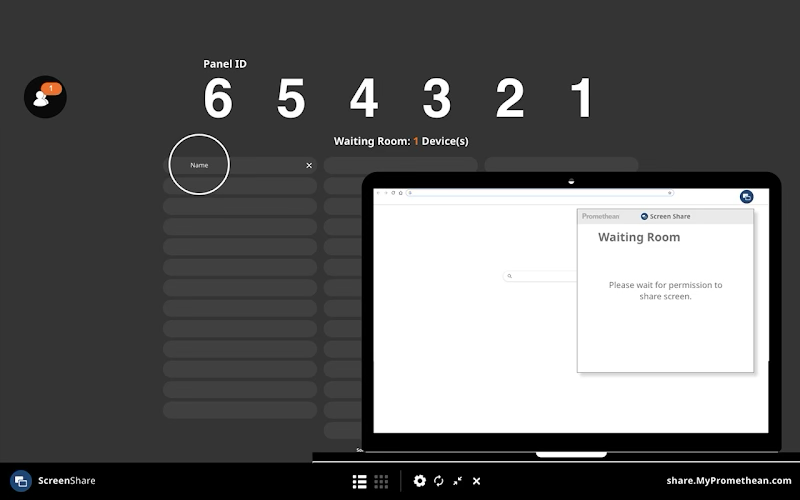
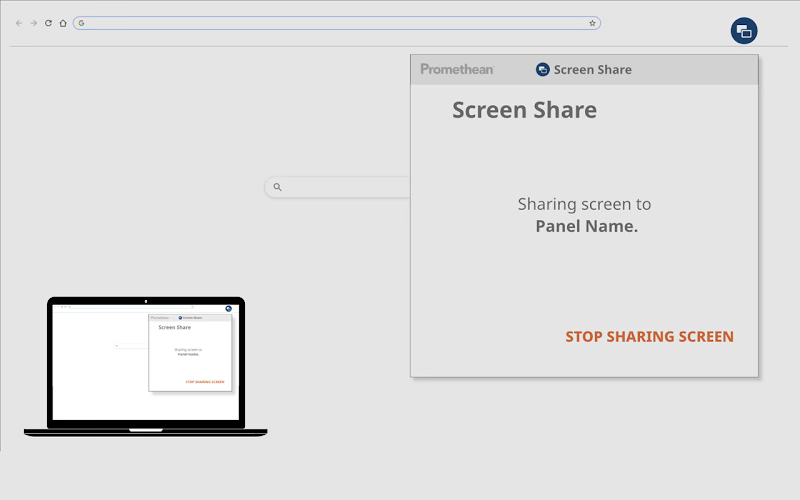
After a successful sharing your screen with the promethean smart board you will being seeing the
below image.